File transcription
Import WAV, MP3, M4A, and FLAC files, then transcribe longer audio in manageable chunks.
 LocalTranscribe
Offline speech-to-text for iOS
LocalTranscribe turns files, recordings, and shared audio into editable transcripts using on-device models.
Built for iPhone. Works offline with the bundled model.
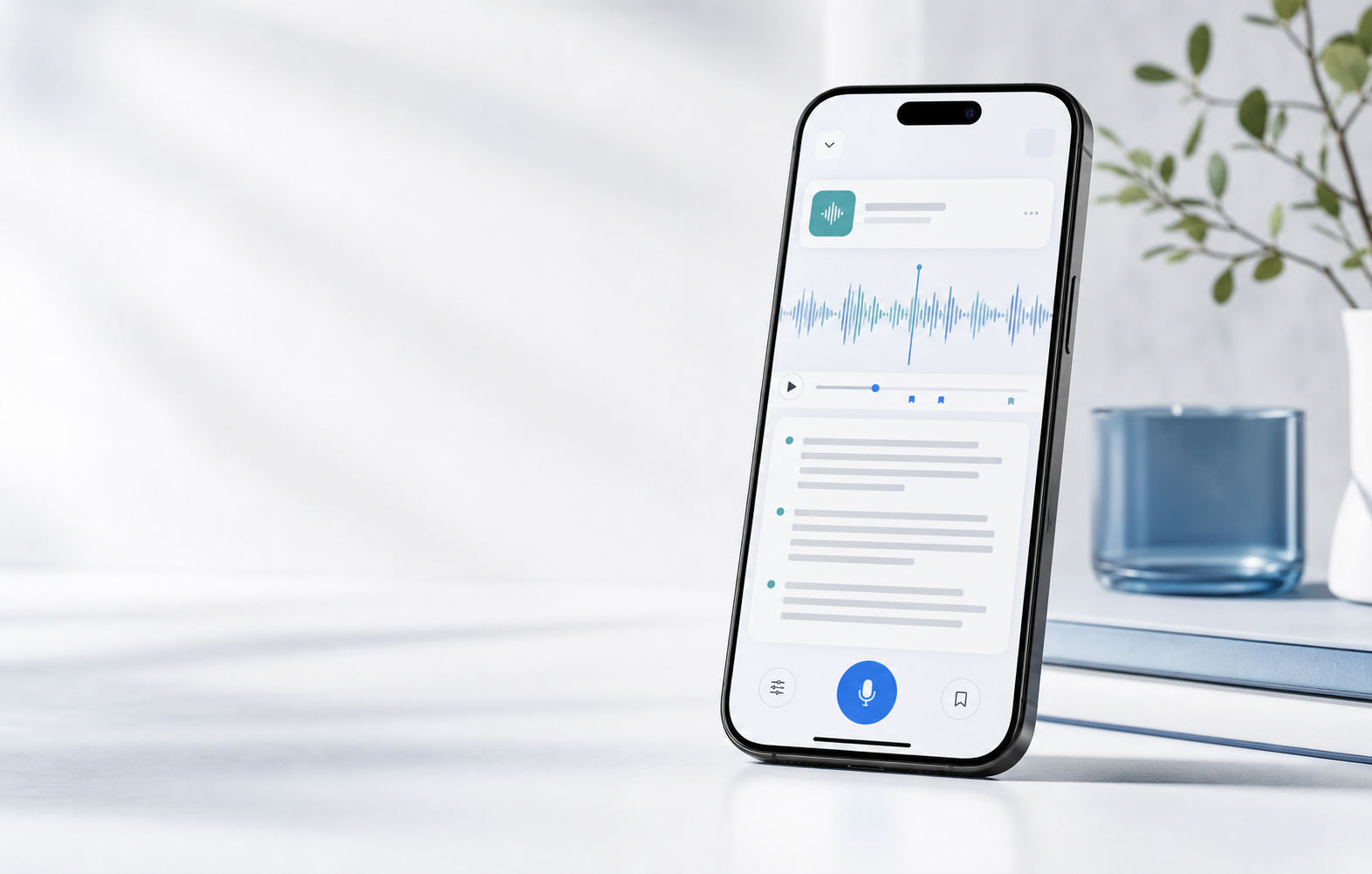
Built for everyday transcription
Import common audio formats, record from the microphone, or share audio from another app. LocalTranscribe keeps the workflow simple: bring in audio, transcribe it, edit the result, and keep the transcript in your archive.
Features
Import WAV, MP3, M4A, and FLAC files, then transcribe longer audio in manageable chunks.
Record directly inside the app, review the audio, and save the finished transcript to your library.
Send audio into LocalTranscribe from other iOS apps and continue the import flow when you open the app.
Browse, edit, play back, share, and delete saved transcripts from one focused library.
Use the bundled offline base model by default, with optional downloaded models when available.
Audio and transcript records stay in the app's local storage unless you choose to share or export them.
Workflow
Choose a file, record a new note, or receive audio through the iOS share sheet.
Run speech recognition on device, including offline use with the bundled model.
Clean up the transcript, play back the source audio, and keep everything organized for later.
Privacy
LocalTranscribe is built around local transcription. The default bundled model works offline, and your audio files are copied into app-managed local storage for processing.
View the privacy policyDownload
Connect this call-to-action to the App Store listing when the app is published.
Download on the App StoreQuestions
Yes. The bundled base model supports offline transcription. Optional downloaded models may require a network connection when you first install them.
The app currently supports WAV, MP3, M4A, and FLAC imports.
Yes. Saved transcript records can be opened, edited, played back, shared, or deleted from the archive.